
Provider-agnostic by design#
Two lines of the manifesto decide how providers work: the user chooses their AI providers, and vendor lock-in is to be avoided. The architecture follows from them. A provider adapter turns each tool’s own protocol into one canonical vocabulary of states and events, and the rest of Nodal never imports a provider-specific type. A second or third provider is therefore additional adapters, not a rewrite of the app.
On first start, Nodal does not find or start any provider until you set it up. The start screen says “Set up a provider” and lists ChatGPT / Codex, Claude and Ollama, each with its state and a Set up button. Settings has a card per connection that shows the state, version, capabilities and the buttons that apply, and a control that cannot act is disabled with the reason stated.
ChatGPT and Codex#
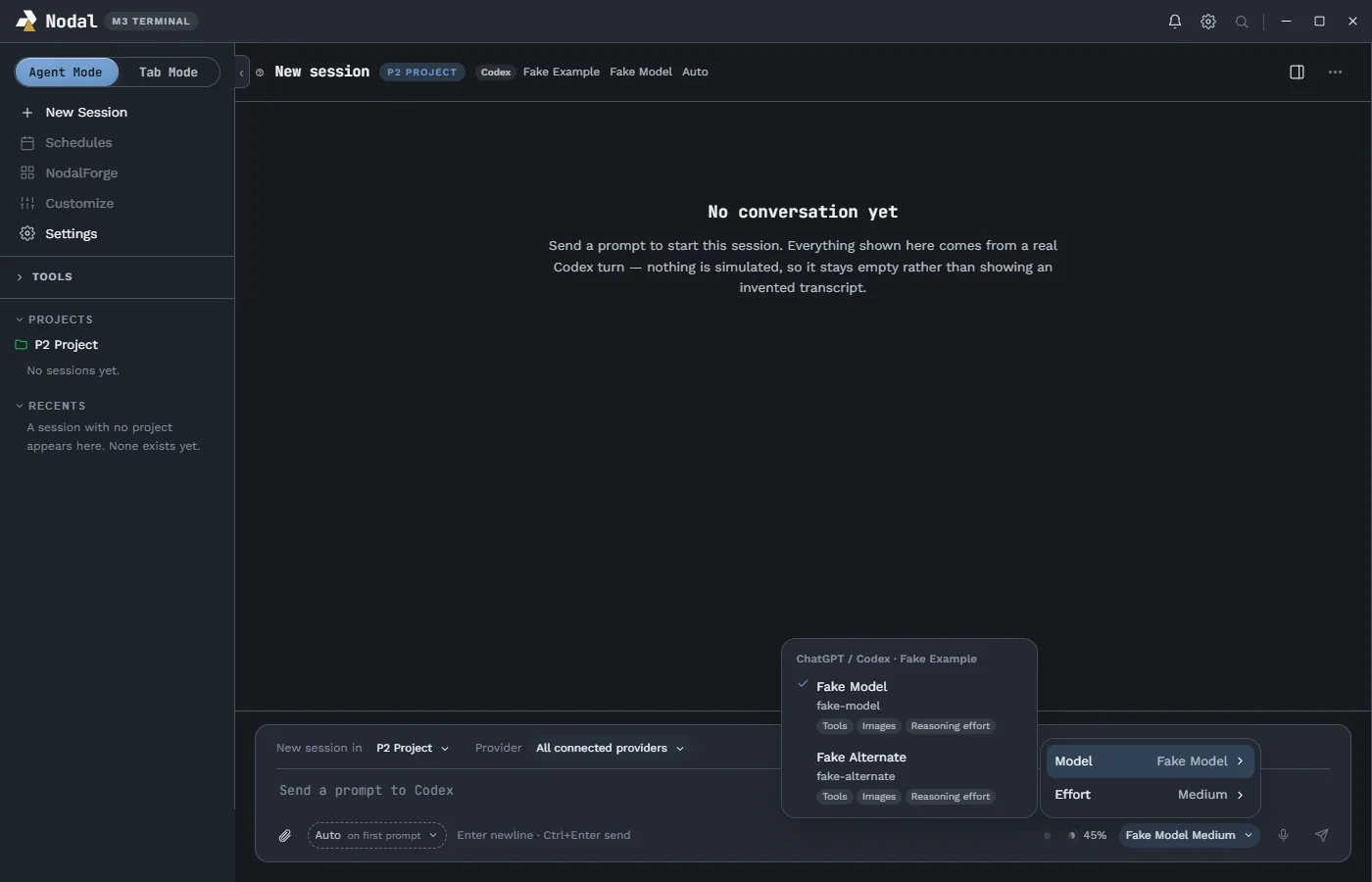
The Codex connection uses the Codex command-line tool’s app-server mode, speaking JSON-RPC over standard input and output. Nodal does not scrape a terminal and does not reimplement Codex. It uses the sign-in you already have and sends the model, reasoning effort and permission choices you make in the composer.
- Sign-in. Nodal asks Codex for a login URL and opens your own browser. Nodal renders no login form, so no password crosses its boundary in either direction. Codex’s own persistent credential store keeps you signed in between runs, so there is nothing for Nodal to duplicate.
- Models. The list comes from the account’s own catalogue and is never hard-coded, with per-model reasoning-effort choices.
- Capabilities. Streaming, resume, fork, steer, stop, change model, approvals, goals and review are shown as capability chips on the card.
- Version policy. Nodal records the oldest supported and the newest tested version. A newer stable version is flagged as forward-compatible and keeps working; a call that fails at runtime disables only the feature that needed it; an old or unreadable version signal fails closed.
- Location. A setting lets you point Nodal at a specific Codex program, with automatic detection by default.
Claude Code#
Claude support is an adapter for your own installed Claude Code. It does not reimplement Claude and it holds no Claude login. There are two connection cards, each with its own models and sessions:
- Claude is the Claude Code sign-in, usually a subscription.
- Claude API key takes its key from an environment variable. Nodal has no key field, and signing out of that card tells you to remove the variable.
Each turn checks that Claude Code actually used the credential of the card it was started on and stops with a reason otherwise. A “Load my Claude Code setup” switch on the Claude card controls whether plugins, skills, MCP servers, hooks and project instruction files load as they do in Claude Code; off, sessions start in safe mode, and a change applies from each session’s next prompt. Sessions can be imported from Claude Code’s own session files, which Nodal reads and never changes, including sessions started in the terminal or desktop app.
Ollama, for local models#
The Ollama card is a local runtime card: no sign-in, just a daemon on your own computer. Nodal lists every installed local model with its size, parameter count and quantization, and shows plain states when Ollama is not running, too old or has no models. Cloud-backed Ollama models are deliberately not listed, so this route stays on your machine.
- Tools. A model that reports the tools ability gets six Nodal tools: read, list, search, write, edit and command. All of them stay inside the project folder in every mode, including Bypass. Plan mode is read-only, Manual asks before writes and commands, Auto and Accept edits run writes and ask for commands, and Bypass runs everything within the folder. A turn stops after 25 tool calls.
- Resource-aware. One Ollama reply runs at a time by default, and a second session waits with a notice. A “Replies at once” setting raises the limit from 1 to 8. A loaded-models view shows each model’s GPU share, context and unload time, with an Unload button and a warning when part of a model runs on the CPU. On the owner’s 6 GB GPU a 4B model at a 32k context measured 77 percent GPU and 23 percent CPU.
- Honest about cold starts. A cold model can take about a minute to load (65 seconds measured for a 3B model); warm replies begin in under a tenth of a second. The turn says so instead of looking frozen.
- History and context. Nodal keeps one saved history file per session, since Ollama keeps none. Ollama silently cuts a conversation that outgrows its window, so Nodal lets you set the context size from 4K to 128K and warns once at 85 percent of the window.
How they differ in use#
| Behavior | Codex (ChatGPT) | Claude Code | Ollama (local) |
|---|---|---|---|
| Sign-in | ChatGPT account via Codex, in your browser | Claude Code sign-in, or an API key from the environment | None; local daemon |
| Steer during a turn | Offered | Queued instead | Queued |
| Images | Supported | PNG, JPEG, GIF, WebP, up to 5 MB each, 20 per prompt | Vision models only |
| Skills and commands | Codex skills, several per prompt | Claude Code commands, one per prompt | Not offered |
| File mentions | Codex file search | Nodal searches the project folder | Not offered |
| History after restart | Read from Codex | Read from Claude Code’s session files | Kept by Nodal |
| Usage meter | Account windows and reset credits | 5-hour and 7-day windows; Claude’s own cost estimate | Context against the loaded window |
| Permission modes | Sandbox and approval pairs | Mapped to Claude’s modes; Auto and Accept edits behave the same | Nodal’s own mode table |
These differences are tracked as a checklist of items to mark “keep” or “change” during testing, which is how the project treats provider quirks: written down, measured, then decided. The measurements came from Claude Code 2.1.x and Codex 0.159, with the dates recorded alongside.
What Nodal never does with your credentials#
Nodal creates no credential store, persists no credential field and declares none in any saved schema. The Codex protocol actually returns a live token field in one response, and that field is discarded by the transport before any other code sees it. The Codex protocol also contains a request in which the server asks the client for auth tokens; Nodal records that request and never answers it. For Claude, the key lives in your environment, not in Nodal. The full explanation, including how the boundary was measured, is on the security page.
Choosing a provider in practice#
There is no single right provider, and Nodal is built so that you do not have to commit. Some practical guidance from the way the owner uses them:
- Use Codex for long, supervised turns when you want to steer mid-turn and see account-wide usage and reset credits in the meter.
- Use Claude Code when you want its own setup to apply: its skills, plugins, hooks and project instruction files. Switch the Load my Claude Code setup option off for a clean, safe-mode session.
- Use Ollama for private, offline or cheap work, such as small edits, summaries and experiments, and expect to babysit smaller models: they may call tools badly or not at all, and some think silently before answering.
- Use two at once for comparison, which is how the benchmarks are run: the same prompt in two sessions, side by side, with the usage and review views for each.
When something looks different between providers, check the table above first. Many quirks, such as the Auto and Accept edits modes behaving the same for Claude, or an empty Plugins menu on the Claude side because its plugin commands appear in the skills list, are documented differences, not defects.
Keeping providers honest#
Each adapter is held to the same standard. A feature is shown as supported only when the provider reported the capability, a missing method fails only the call that needs it, an unreadable version fails closed and a fake provider never upgrades a claim to verified. That standard is what lets a newer Codex or Claude release keep working while the app tells you plainly what it has not yet tested.
Why three, and what is next#
A single provider would make Nodal a skin. Three providers make it a workspace: the same sidebar, review tab, notification center and themes serve a cloud subscription, an API route and a model running on your own GPU. Next on the list are better cross-provider session handling, an evaluation of the open Agent Client Protocol as another adapter route (it could add other agents without per-vendor code), and anything the benchmarks surface. See the benchmarks page for how the owner compares agents, and the roadmap for the plan.